Creating a set of consistent icons and animations
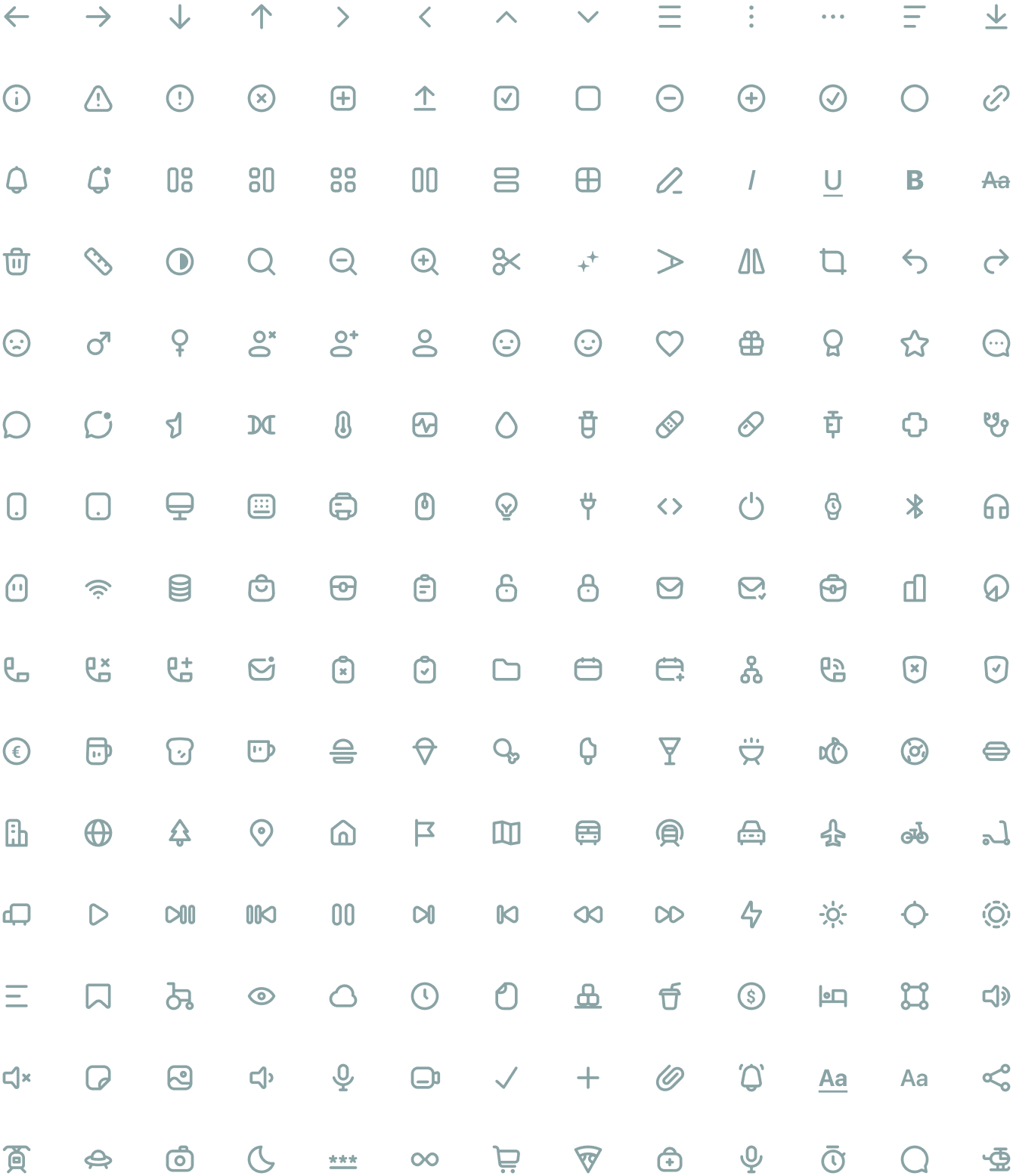
The aim of this personal project has been to design a consistent line style icon set. The system can grow infinitely thanks to the creation of a strong style and detailed guidelines. It has more than 8000 downloads in Figma community!
See it in Figma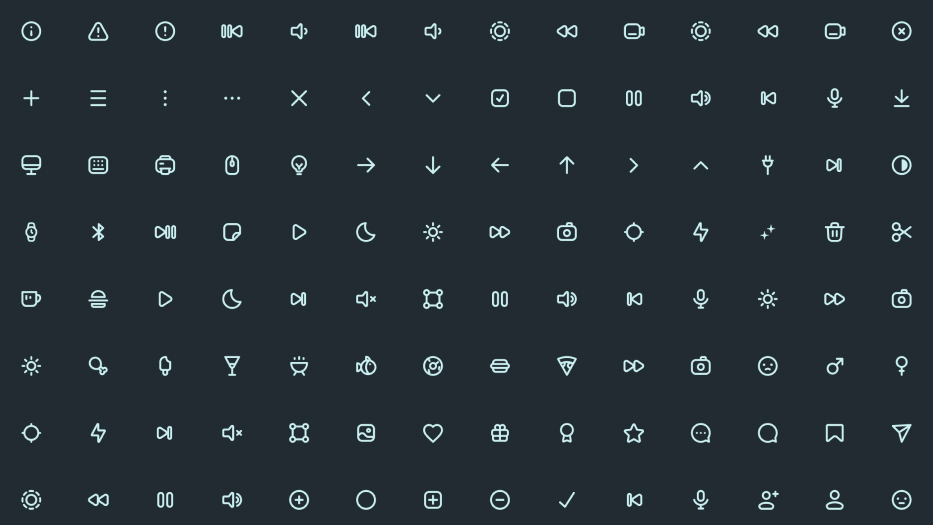
Inspiration

Collection
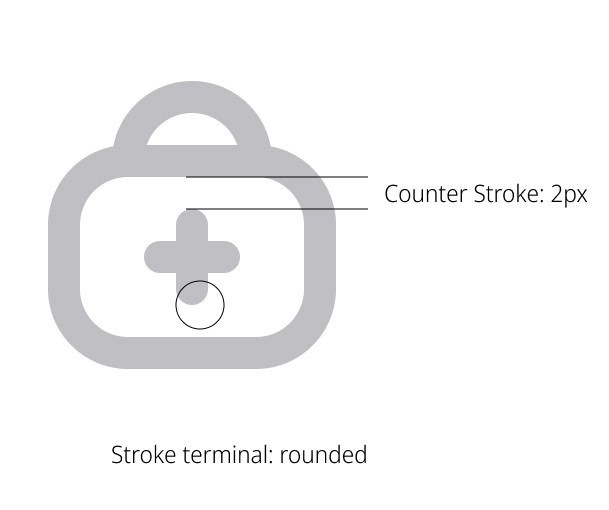
Guidelines
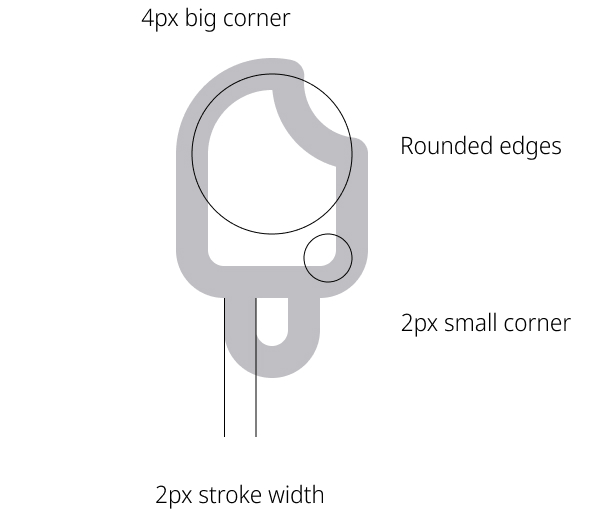
Each icon has been reduced to its minimal form. All of them have been designed based on the guidelines defined by the basic shapes: square, circle and rectagle.
 Circle: 18px
 Square: 18px
 Rectangle: 16x20px
Naming
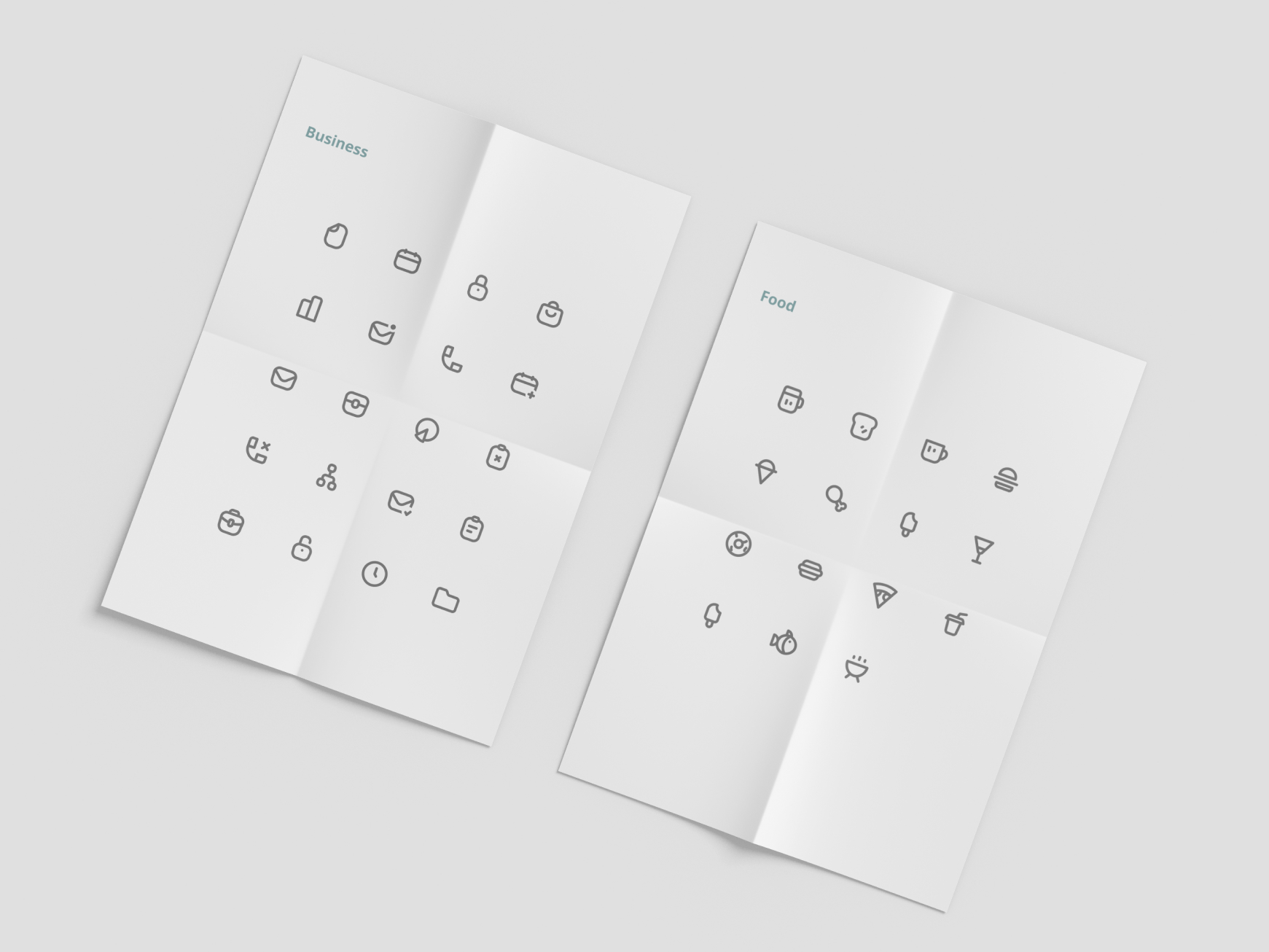
Icons have been organised in 10 different collections and named: Collection / Name / Size / Mode.
-

General
-

Layout
-

Edition
-

Social
-

Medical
-

Food
-

Travel
-

Tech
-

Media
-

Business
Animations
Some icons have been animated based on animation guidelines. Animations are useful to emphasize different states or to call the users attention.






Workflow for animations
 Design: Figma
 Animation: Affter effects
 HTML: Lottie
AEUX is an useful plugin to import designs from Figma to AE. Using Lottie developers can implement complex but low weight animations in seconds. Animations will be available for download soon!